

RKY QR
Scan, generate & share QR codes — fast, private & offline.


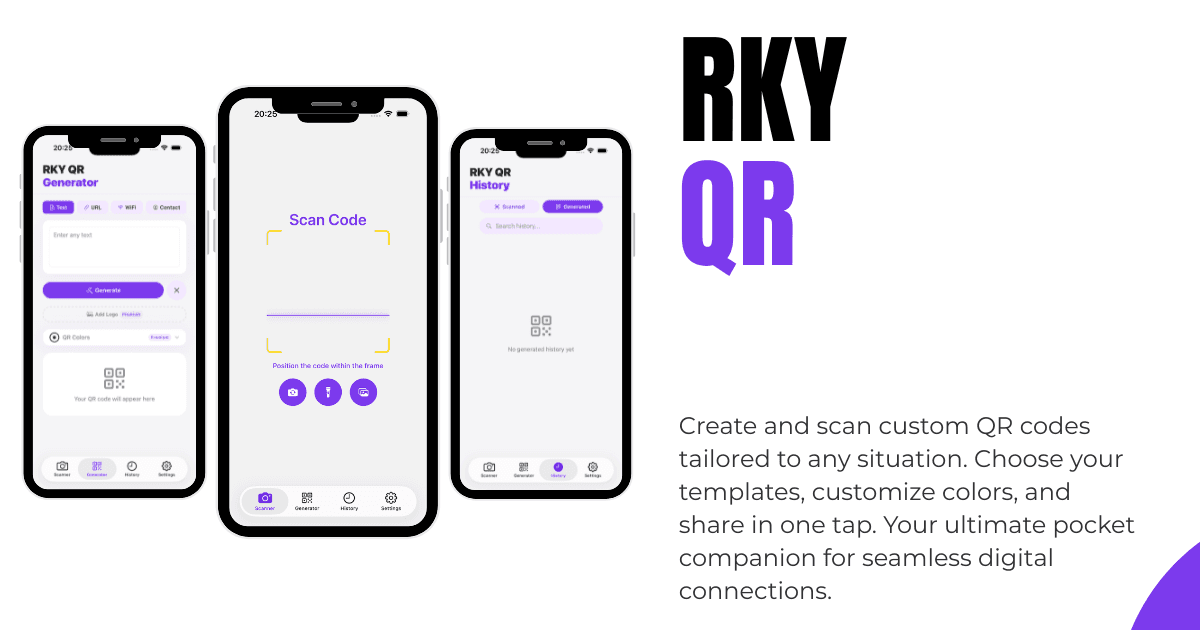
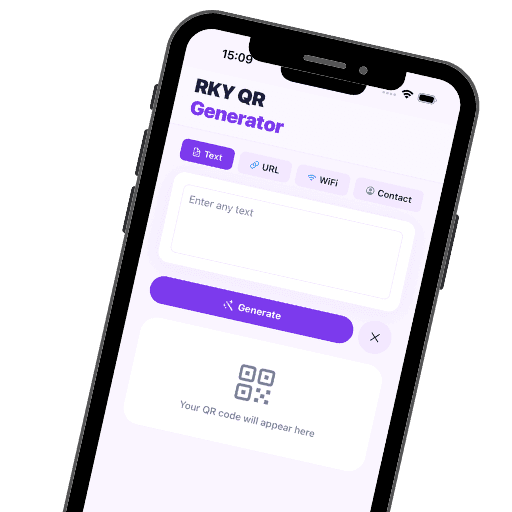
RKY QR – QR Code Scanner & Generator Scan, create, and manage QR codes and barcodes with ease. RKY QR is a fast, privacy-focused QR Code Scanner, Barcode Scanner, and QR Code Generator designed exclusively for iPhone and iPad. Whether you...
Screenshots


Frequently Asked Questions
Is RKY QR free?
Yes. RKY QR is completely free with no ads, no in-app purchases, and no subscriptions. All features — scanning, generating, history, and sharing — are included at no cost.
Does the app work offline?
Yes. Scanning QR codes, generating new codes, and browsing your history all work entirely offline. No internet connection is required for any core feature.
What types of barcodes can it scan?
RKY QR supports QR codes, EAN-13, EAN-8, Code 128, Code 39, Code 93, UPC-A, UPC-E, PDF417, ITF-14, Codabar, DataMatrix, and Aztec codes.
Can I scan QR codes from my photo library?
Yes. You can tap the image picker button in the scanner to select a photo from your library and scan any QR or barcode found in it.
What QR code types can I generate?
You can generate QR codes for text, URLs, WiFi login credentials, contacts (vCard), calendar events, emails, SMS messages, and app deep links. Deep link presets are available for Instagram, Spotify, Twitter/X, YouTube, WhatsApp, Telegram, Snapchat, and TikTok.
Is my data private?
Absolutely. RKY QR is designed privacy-first. All scans, generated codes, and history are stored locally on your device. No account registration is required, and no data is transmitted to any server. The app contains no analytics, no advertising SDKs, and no third-party tracking.
Can I share a QR code I generated?
Yes. After generating a QR code, you can share it as a PNG image using your device's share sheet.
Does the app save my scan history?
Yes. All scanned and generated codes are saved to a local history with timestamps. You can search, filter by type, mark favorites, or delete individual items. You can also clear your entire history from settings.