


RKY File Converter
Convert images, manipulate PDFs, transform data & encode text seamlessly offline.

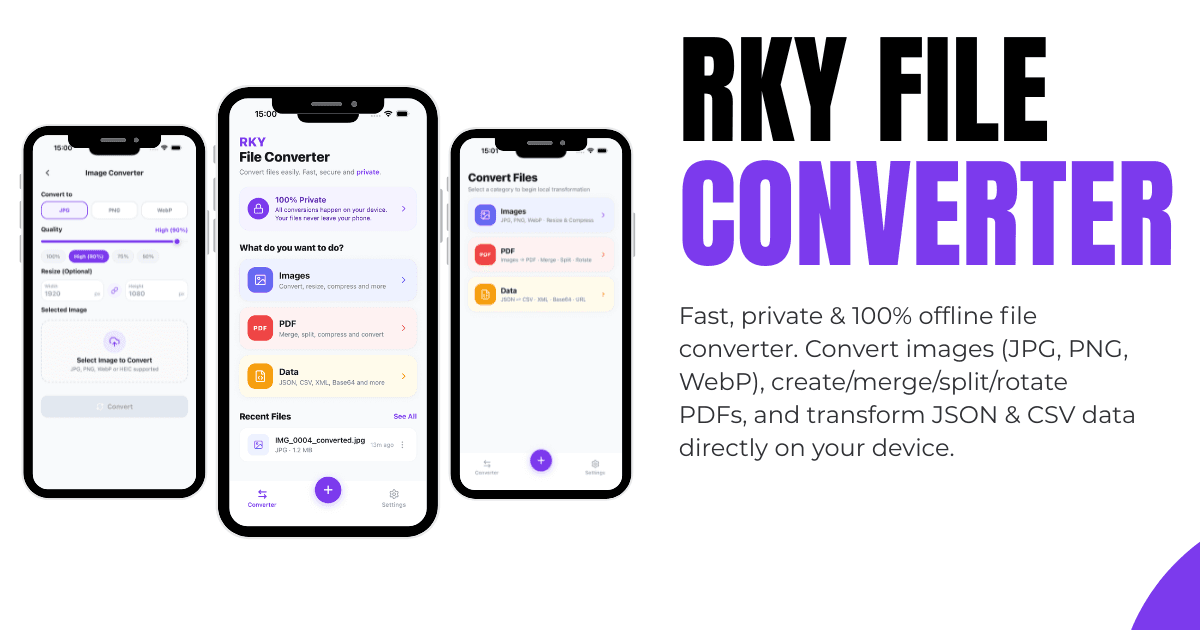
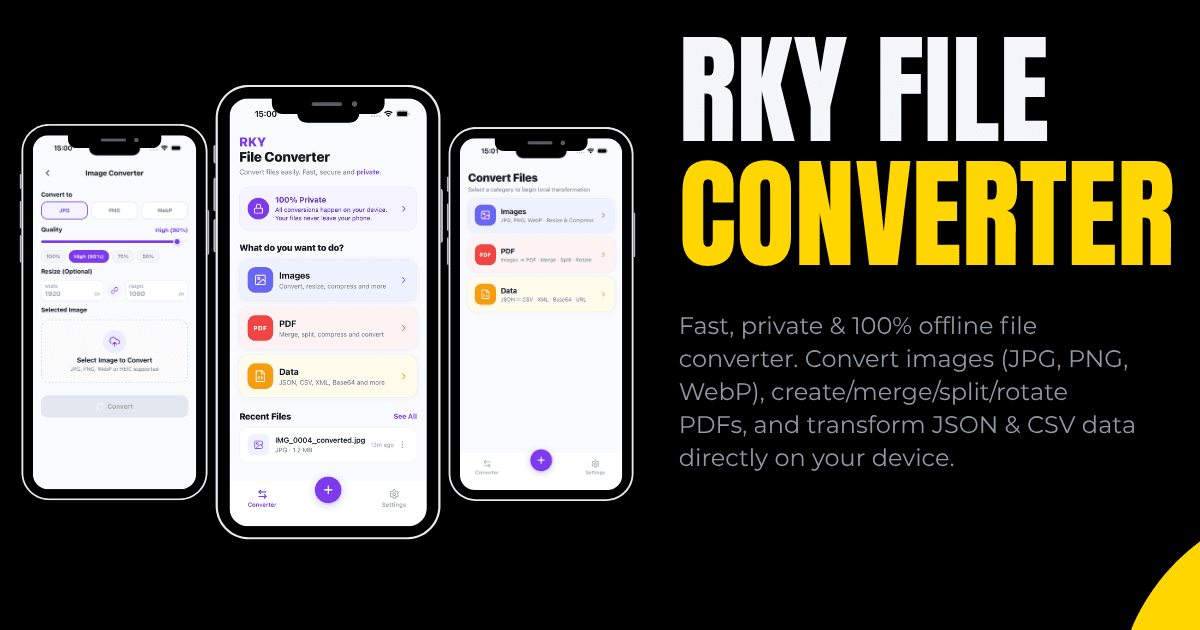
RKY File Converter is a fast, versatile, and 100% offline-first utility for converting files and processing documents directly on your device. Easily convert photos between JPG, PNG, and WebP formats with adjustable quality and dimensions....
Features
- Image Format Conversion: Convert images between JPG, PNG, and WebP with custom compression and dimensions.
- Images to PDF: Compile single or multiple photos into high-quality, shareable PDF documents.
- PDF Tools: Merge multiple PDF documents, split specific page ranges, and rotate pages 90°, 180°, or 270° instantly.
- Data Transformation: Convert JSON files or raw text into clean CSV tables and parse CSV into structured JSON format.
- Code & Text Utilities: JSON format/prettifier, JSON minifier, Base64 encoder/decoder, and URL encoder/decoder.
- Conversion History: Track recent conversion records locally with quick access to open, share, or export outputs.
- 100% Offline & Private: All file processing and transformations occur entirely on your device with no remote servers or external data transmission.
Screenshots


Frequently Asked Questions
What is RKY File Converter?
RKY File Converter is an all-in-one mobile utility designed to convert image formats (JPG, PNG, WebP), create and manipulate PDF files (merge, split, rotate), transform structured data (JSON to CSV and vice versa), and encode/decode text strings.
Is RKY File Converter a paid app?
Yes. RKY File Converter is a premium, upfront paid app. Once purchased from Google Play Store, you enjoy full, unrestricted access to all features offline with no subscriptions, in-app purchases, or ads.
Are my files uploaded to a remote server for conversion?
No. All conversions, image manipulations, PDF operations, and text encodings run 100% locally on your device. Your sensitive files and personal documents never leave your phone.
Can I convert multiple images into a single PDF document?
Yes. You can select multiple images from your photo library or files and compile them into a multi-page PDF with custom naming and formatting.
Does the app support merging and splitting existing PDF files?
Yes. You can merge two or more PDF files into a single document, extract specific page ranges from an existing PDF, or rotate orientation by 90-degree increments.
Does RKY File Converter require an account or internet connection?
No registration or login is required. The app operates completely offline and functions seamlessly without an active internet connection.